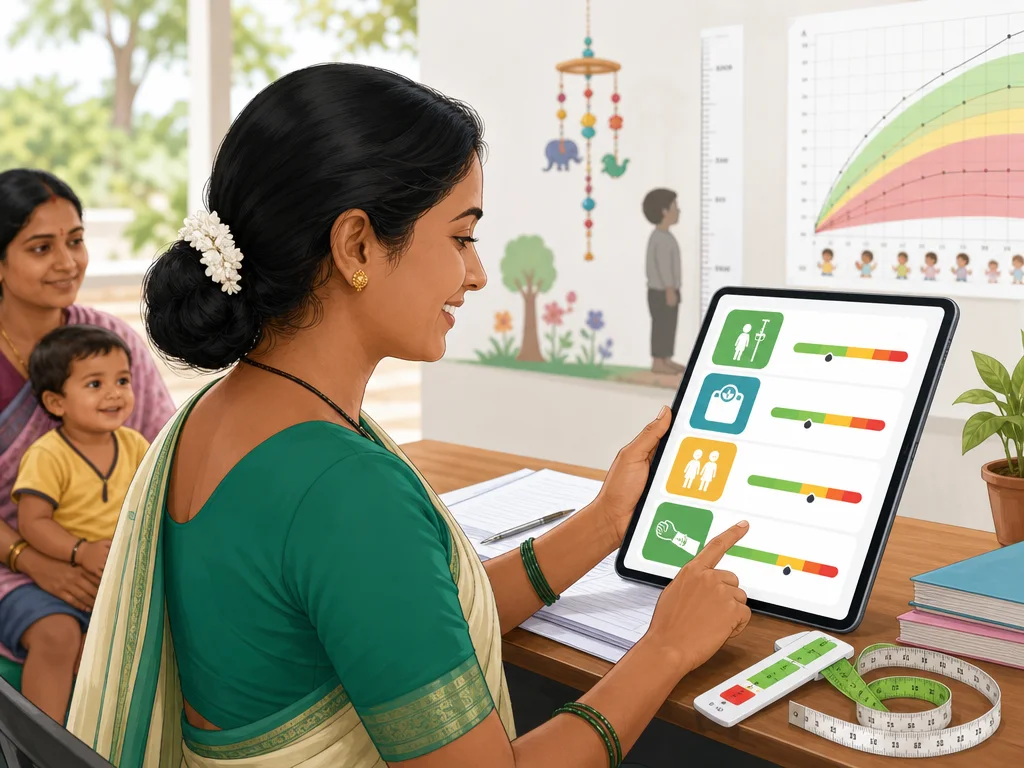
यह Hindi Poshan Calculator क्या check करता है
यह tool बच्चे की उम्र, gender, वजन, लंबाई और optional MUAC के आधार पर growth screening signal दिखाता है। Page का उद्देश्य diagnosis देना नहीं है; यह caregiver या आंगनवाड़ी कार्यकर्ता को यह समझाने में मदद करता है कि measurement सामान्य range में है या re-check और health worker discussion की जरूरत हो सकती है।
Result में underweight, stunting, wasting और SAM/MAM जैसे terms अलग-अलग संकेत देते हैं। इसलिए सिर्फ एक number देखकर फैसला न करें। बच्चे की पूरी condition, recent illness, feeding pattern और measurement quality भी देखनी चाहिए।
- उम्र के अनुसार वजन
- उम्र के अनुसार लंबाई
- लंबाई के अनुसार वजन
- MUAC से SAM और MAM signal
- WHO ग्रोथ स्टैंडर्ड के context में awareness
बच्चे का वजन और लंबाई कैसे डालें
Age completed months में डालें। अगर बच्चा 2 साल का है, तो 24 months डालें, सिर्फ 2 नहीं। Height या length centimeter में और weight kilogram में रखें। Shoes, heavy कपड़े या गलत scale result को बदल सकते हैं।
अगर birth date उपलब्ध है तो DOB डालना age guess करने से बेहतर है। Height और weight एक ही date के आसपास लिए गए हों तो screening ज्यादा useful होती है। पुरानी height और आज का weight मिलाने से weight-for-height interpretation कमजोर हो सकता है।
- Age 0 से 60 months
- Weight kg में
- Height या length cm में
- MUAC cm में optional
- अजीब result आए तो measurement दोबारा लें
कुपोषण की जांच में result कैसे समझें
Normal result routine monitoring का संकेत है। Moderate result का मतलब है कि measurement फिर से check करके अगली आंगनवाड़ी या health visit में discuss करना चाहिए। Severe signal दिखे तो delay न करें और trained health worker या health facility से बात करें।
Online calculator बच्चे को कोई label नहीं देता। यह सिर्फ first-level screening और awareness के लिए है। अगर swelling, बहुत कम appetite, fever, repeated vomiting, visible wasting या तेजी से वजन घटना दिखे तो calculator result का इंतजार किए बिना direct help लें।
आंगनवाड़ी कार्यकर्ता और parents के लिए use case
Parents इस page का इस्तेमाल measurement समझने के लिए कर सकते हैं, ताकि health worker से बात करते समय age, weight, height और MUAC clearly बता सकें। आंगनवाड़ी कार्यकर्ता या NGO training teams इसे demonstration tool की तरह use कर सकते हैं।
Field visit में calculator के साथ printable Growth Chart PDF और MUAC reference useful होते हैं। यह combination Hindi search intent को भी clear करता है: एक page measurement करता है, दूसरे pages chart और SAM/MAM explanation देते हैं।
- Parent awareness
- Field training support
- Growth chart reading
- SAM और MAM explanation
- Official portal से अलग public education
Official Poshan Tracker app से फर्क
यह website official Poshan Tracker portal या government app नहीं है। Official login, beneficiary record, worker role और dashboard work हमेशा official portal या official app में ही होना चाहिए।
यह Hindi calculator public awareness के लिए है। यह password, OTP, beneficiary details या child identity नहीं मांगता। Official account problem के लिए Hindi login help page पढ़ें और credentials केवल official source पर ही डालें।
WHO ग्रोथ स्टैंडर्ड और Hindi explanation
WHO growth standards बच्चों के measurement को age और sex के context में समझने में मदद करते हैं। इसी वजह से सिर्फ 'इतना वजन सही है या नहीं' जैसे fixed rule से बात पूरी नहीं होती। Age, height, weight और indicator साथ में देखने पड़ते हैं।
Hindi में simple wording जरूरी है क्योंकि कई users technical terms जैसे stunting, wasting, underweight या Z-score पहली बार देखते हैं। इस page में English medical terms को Hindi explanation के साथ रखा गया है ताकि search intent और understanding दोनों साफ रहें।
PDF report और sharing
अगर आपको training या community discussion के लिए material चाहिए, तो Growth Chart PDF, SAM/MAM MUAC quick reference और login decision tree download कर सकते हैं। ये PDFs diagnosis नहीं देते, लेकिन measurement discussion को आसान बनाते हैं।
Hindi health education sites या parenting blogs इस page को 'पोषण ट्रैकर कैलकुलेटर' या 'बच्चे की पोषण स्थिति समझने वाला calculator' जैसे natural anchor text से cite कर सकते हैं। Exact-match keyword को बार-बार repeat करना जरूरी नहीं है।